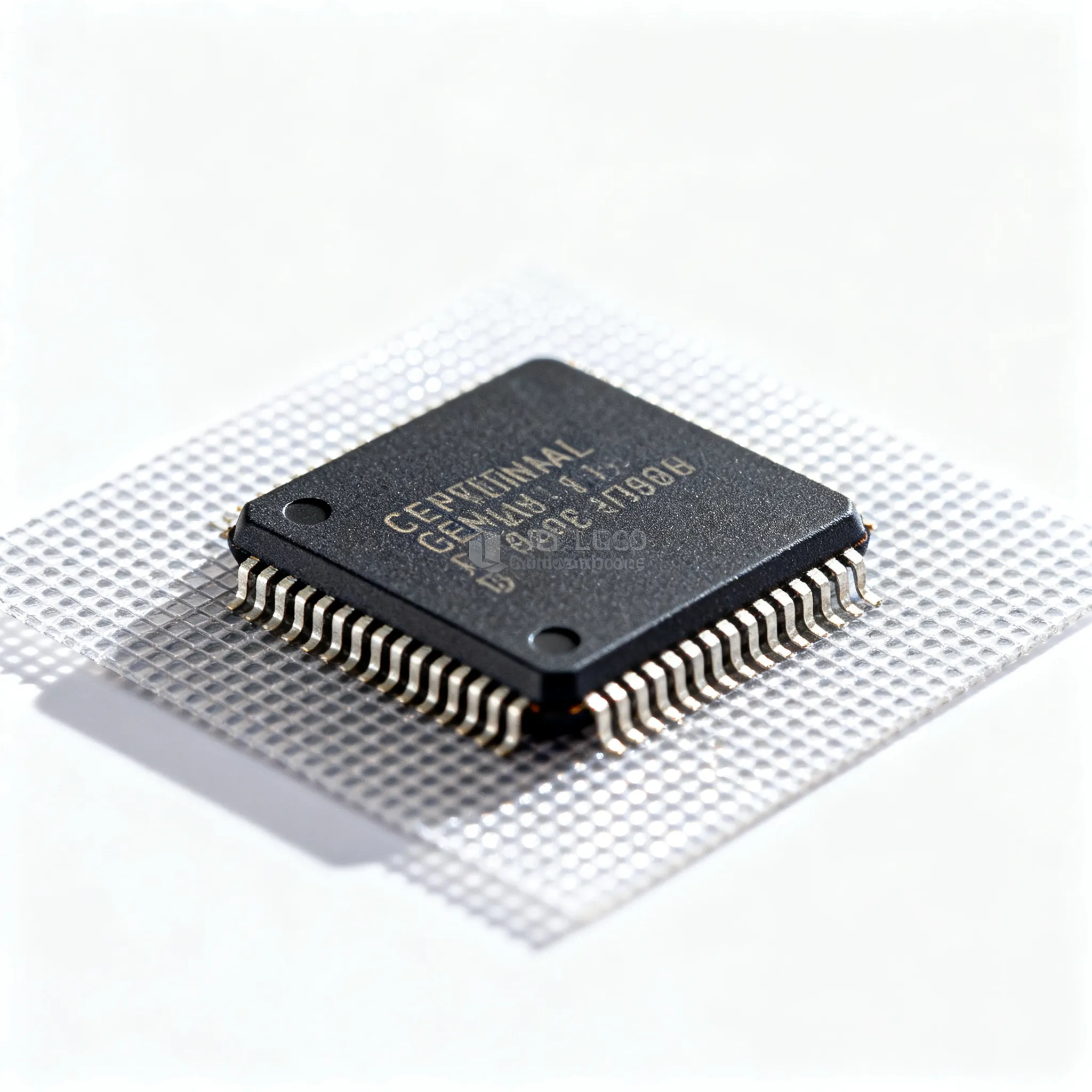
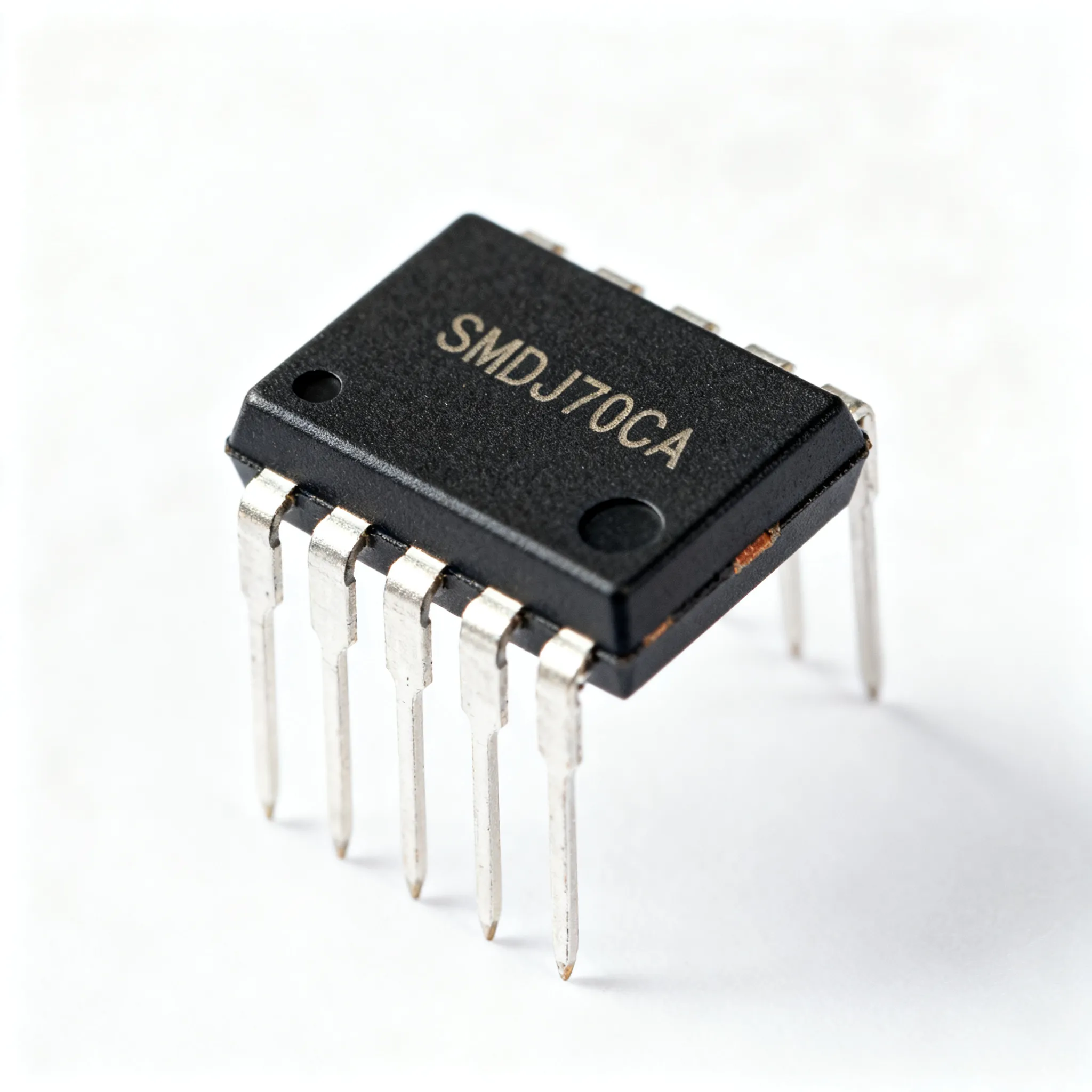
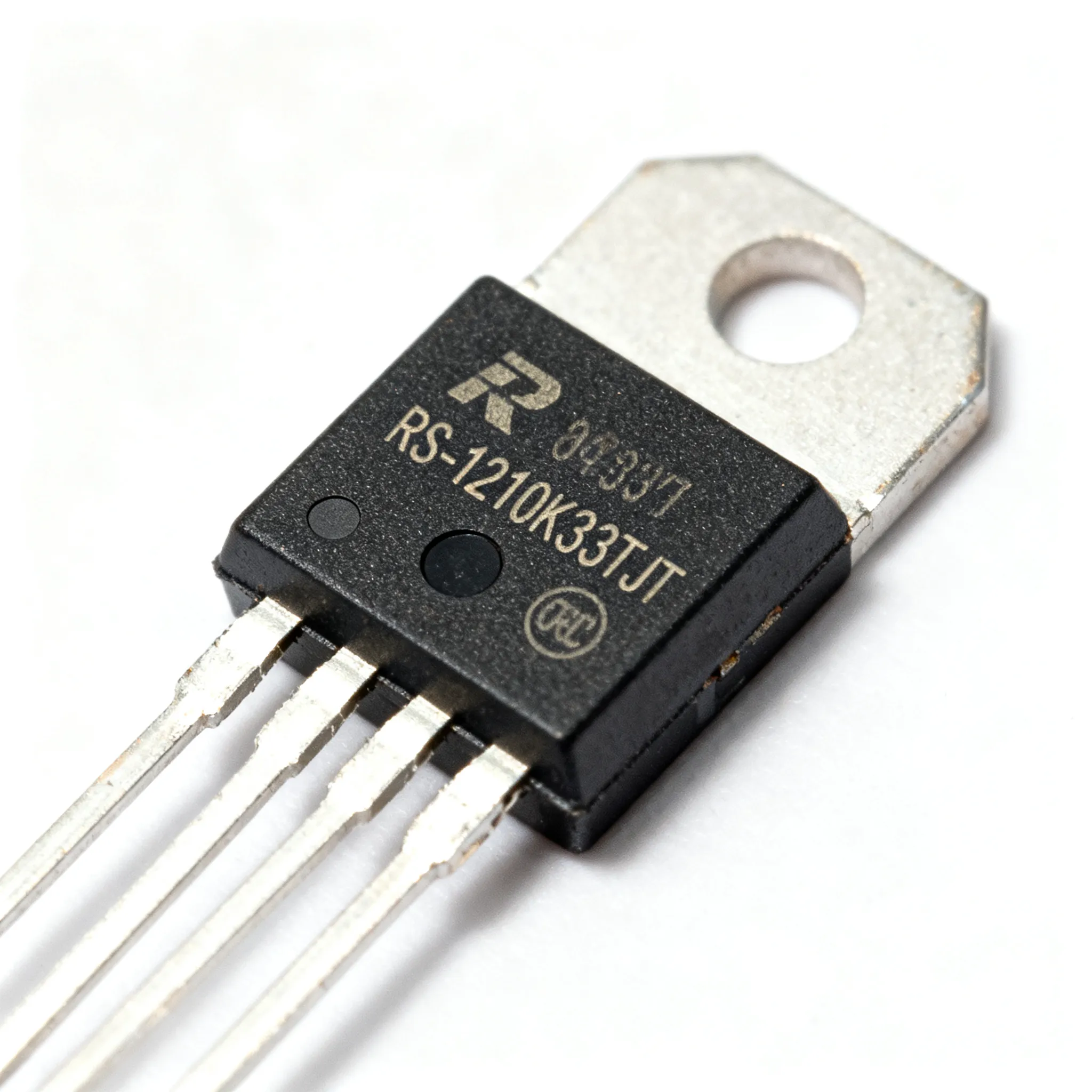
Replace a Discontinued Chip Backed by Proven Facts
If you need to replace a discontinued chip, you must follow a proven, step-by-step process. You want to avoid mistakes, so y
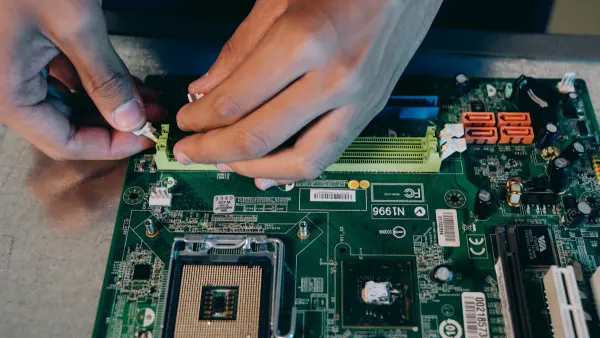
If you need to replace a discontinued chip, you must follow a proven, step-by-step process. You want to avoid mistakes, so you should use fact-based methods. Sourcing a discontinued HiSilicon chip can feel urgent and tough. > A systematic approach helps you lower risk and make sure everything works together. Get ready for practical tips you can trust.
Key Takeaways
- Gather all technical parameters of your original chip. This helps avoid surprises and ensures compatibility.
- Check for drop-in replacements from the original manufacturer. This option simplifies the replacement process.
- Use cross-reference databases to find compatible chips from other manufacturers. This expands your options and increases your chances of success.
- Always review datasheets for both original and replacement chips. This ensures that critical specifications match and prevents potential issues.
- Plan ahead for future chip sourcing. Diversifying suppliers and maintaining a strategic reserve can help you avoid disruptions.
Chip Specs
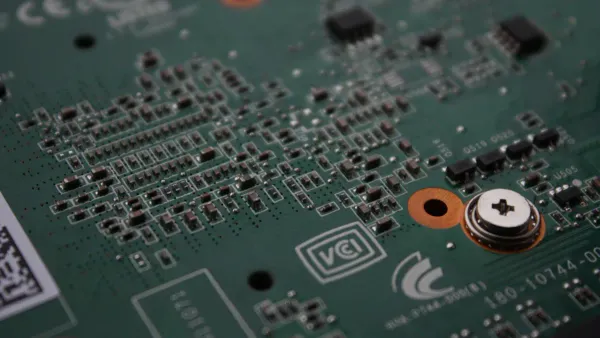
When you start looking for a replacement for your discontinued hisilicon part, you need to gather all the important details. This step helps you avoid surprises later. Let’s break it down so you know exactly what to look for.
List Parameters
First, write down all the technical parameters of your original hisilicon chip. You want to know things like voltage, current, speed, and temperature range. These numbers matter because even small differences can cause problems. Environmental and regulatory requirements also play a big role. If you pick a chip that does not meet these standards, you might face delays or extra costs. For example, the permitting process for new chips can take over a year and add millions to your project. So, always check if your replacement meets the rules for your industry.
Note Features
Next, compare the features of your original and possible replacement chips. Features can include things like built-in memory, security functions, or special communication abilities. Here’s a quick table to help you see how features can differ:
| Feature | Chip | Semiconductor |
|---|---|---|
| Definition | Individual products of integrated circuits | Material properties used in chips |
| Function | Achieves circuit miniaturization | Basis for various electronic components |
| Application Fields | Mainly in communication and networks | Widely used in consumer electronics, etc. |
If your replacement does not have the same features, your device might not work as expected.
Check Pinout
Now, check the pinout and package details. This step is super important.
- You make sure the new chip fits your board.
- You avoid bad connections that could break your circuit.
- You keep your design working without big changes.
Tip: Always double-check the pinout diagrams in the datasheets. Even one mismatch can cause a lot of trouble.
Replace a Discontinued Chip: Options
Manufacturer Help
When you try to replace a discontinued chip, you should always start by reaching out to the original manufacturer or their authorized distributors. Many companies offer support for discontinued products. You might find direct replacements or get help from licensed sources that keep old inventory alive.
Here’s a quick look at what manufacturers usually offer:
| Support Option | Description |
|---|---|
| Drop-in replacements | A direct replacement that is pin-for-pin compatible with the original device, minimizing obstacles. |
| Authorized continuing source manufacturer | A licensed manufacturer that ensures a continuous supply of qualified parts by acquiring remaining inventory. |
You can also ask about redesigning your system. Sometimes, manufacturers suggest ways to remove the obsolete part or use a different device. If you need to replace a discontinued chip from hisilicon, this step can save you time and money.
Tip: Always check if the manufacturer has a drop-in replacement. This option makes your job much easier.
Cross-Reference Search
If the manufacturer cannot help, you should search for compatible chips from other companies. Cross-reference databases make this process simple. You enter your part number and see a list of possible matches.
Here’s a table showing some reliable cross-reference databases:
| Database Name | Features | Reliability |
|---|---|---|
| ChipFind | Data sourced from IC manufacturers, reliable lists with source links | High |
| Z2Data | Instant access to cross references, compares parametric differences | High |
| Renesas | Allows entry of part numbers for cross-referencing | Moderate |
You can use these tools to compare specs and find chips that match your needs. Z2Data and ChipFind give you quick results and show you where the information comes from. Renesas works well if you want to check part numbers.
Note: Always review the datasheet for each suggested replacement. Even small differences can affect your project.
Community Solutions
Sometimes, you need extra help to replace a discontinued chip. Online communities and companies that specialize in obsolete parts can help you find rare items. You can post questions on forums or join groups focused on electronics repair.
Here are some places to look:
- Companies that focus on obsolete components
- Online marketplaces for rare parts
- Electronics forums and user groups
People in these communities often share tips and sources. You might find someone who has the exact part you need or knows a good workaround.
Callout: If you find a source in a community, always check their reputation before you buy. Counterfeit parts can cause big problems.
When you follow these steps, you make it easier to replace a discontinued chip. You lower your risk and keep your project moving forward.
Compatibility Check
Making sure your replacement chip works in your system is a big step. You want to avoid surprises and keep your project running smoothly. Let’s walk through the main checks you need to do.
Datasheet Review
Start by comparing datasheets for both the original and replacement chips. You want to look at several key criteria. Here’s a checklist to help you:
- Capacitance: Match the value as closely as possible.
- Voltage Ratings: The new chip should have at least the same rating, but higher is fine.
- Equivalent Series Resistance (ESR): Lower ESR is better, but keep it stable.
- Ripple Current Ratings: Make sure this matches to avoid problems.
- Physical Dimensions: Check diameter, height, and lead pitch for a proper fit.
- Operating Temperature: Never go lower than the original rating.
- Rated Lifetime: Choose a chip with equal or greater lifetime.
Tip: If you see a difference in any of these specs, double-check if it will affect your design. Even small changes can cause big issues.
Pinout Match
Next, you need to check the pinout. Look at the diagrams in both datasheets. Make sure every pin matches in function and location. If the pinout is different, you might need to redesign your board or use an adapter. A mismatch can stop your circuit from working or even damage your new chip.
| Pin Name | Original Chip | Replacement Chip |
|---|---|---|
| VCC | Pin 1 | Pin 1 |
| GND | Pin 2 | Pin 2 |
| DATA | Pin 3 | Pin 3 |
Callout: Always test the pinout with a prototype before finalizing your design.
Software Support
Software and firmware compatibility can be tricky. Sometimes, OEMs push firmware updates that block third-party chips. You might see this with printer cartridges, where a new update suddenly stops your replacement from working. HP has done this with aggressive updates, making older cartridges unusable.
You also need to watch out for these issues:
- Outdated operating systems can block new software.
- Hardware that does not meet requirements can cause failures.
- Conflicting software may lead to glitches or installation problems.
If you use a hisilicon replacement, check for any firmware updates that could affect your chip. Always test your system after installing the new chip to catch problems early.
Note: Careful validation helps you avoid headaches later. Never skip these checks.
Test and Integrate
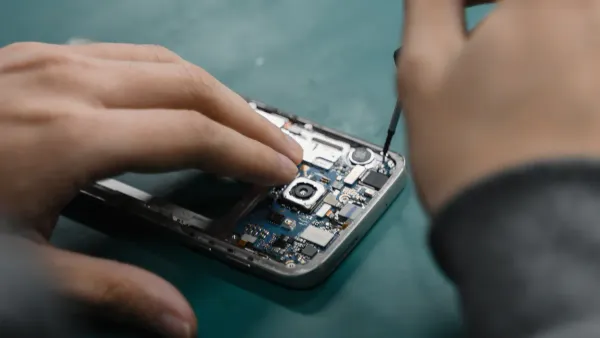
Prototype Build
You want to see if your replacement chip works before you make any big changes. Start by building a prototype using development boards. These boards help you test new chips without changing your whole system. First, define what your prototype needs to do. Write down the power, functions, and rules it must follow. Next, sketch a blueprint that shows how each part connects. Draw schematics to map out the electrical paths. Use development boards such as Arduino or Raspberry Pi to make your design real. Place your chip on the board and check the layout. After you finish, test the prototype to make sure it does what you expect.
Tip: Development boards let you swap chips quickly and try different setups. You save time and avoid mistakes.
Performance Test
Once your prototype is ready, you need to run tests. Use development boards to measure how well the chip works in your system. Focus on important benchmarks. Here’s a table to help you track what matters:
| Benchmark | Description |
|---|---|
| Signal Density | Check if the board handles many connections without errors. |
| Thermal Conditions | Test the chip at real working temperatures. |
| Advanced Packaging | See if the board supports complex chip designs. |
| Massive Test Data | Make sure the board can process lots of data fast. |
Development boards such as STM32 or BeagleBone let you run these tests easily. You can spot problems early and fix them before moving forward.
Integration Steps
After you finish testing, you need to put the chip into your final system. Sometimes, the new chip does not fit your old board. You can design a daughterboard to hold the chip and connect it to your main board. Use development boards to check the fit and function before you build the real thing.
Troubleshooting helps you catch issues. Start with a visual check for damage or bad solder joints. Use a multimeter to test for shorts and measure voltages. Try an oscilloscope to look at signal shapes. In-circuit testing lets you find faults without removing parts. Power up the board and see if everything works.
Note: Always validate your system after you add the new chip. Development boards make this step easier and safer.
Sourcing Tips
Reliable Supply
You want to find chips from sources you can trust. Start by looking for authorized suppliers and distributors who have a good reputation. These companies know how to handle advanced semiconductors and keep track of their inventory. You should:
- Research suppliers before you buy.
- Partner with distributors who have experience finding hard-to-get parts.
- Monitor surplus stock releases. Sometimes, you can grab components before they disappear.
- Use Last Time Buy notices. These alerts help you secure chips before they become obsolete.
- Set up safety stock. This backup supply keeps your project safe if something goes wrong.
Tip: Always make a backup plan for your supply chain. If one source fails, you have another option ready.
Avoid Counterfeits
Counterfeit chips can ruin your project. You need to spot them before they get into your system. Here are some warning signs:
- Chips from unauthorized sources.
- Parts that look recycled or are sold as new.
- Clones or fraudulent chips with hidden problems.
- Over-produced or failed chips sold as working.
| Counterfeit Indicator | What to Watch For |
|---|---|
| Unauthorized source | No official paperwork |
| Recycled chips | Scratches or odd markings |
| Failed parts | Unusual performance issues |
If you see any of these, walk away. Always buy advanced semiconductors from suppliers who can prove their parts are real. Ask for certificates and check the packaging. You want to avoid surprises that cost you time and money.
Alert: Counterfeit chips often violate design specs. They can cause failures or even damage your board.
Long-Term Plan
You need a plan for the future. Chip shortages and discontinuations happen all the time. Here’s how you can stay ahead:
- Diversify your supply sources. Don’t rely on just one company.
- Build strong relationships with key suppliers. They will help you when parts get scarce.
- Keep a strategic reserve of critical chips. This buffer helps you during tough times.
- Invest in technology that tracks your inventory and forecasts demand.
- Share your plans with suppliers. When they know what you need, they can prepare better.
Big companies like Apple and Intel use these strategies. Apple gets chips from more than one supplier. Intel builds factories in different regions to avoid problems. You can use these ideas for your own sourcing plan.
Note: Planning ahead helps you avoid panic when a chip gets discontinued. You keep your project moving and your costs under control.
You’ve learned how to replace a discontinued chip using proven steps. Careful evaluation, testing, and sourcing help you avoid common risks like extra damage or system failures. Here’s a quick look at what matters most:
| Key Factor | Why It Matters |
|---|---|
| Specialized Skills | You need experience for successful chip swaps. |
| Institutional Support | Strong support keeps your project on track. |
| Team Approach | Working together leads to better results. |
| Tracking Outcomes | Checking progress helps you improve over time. |
Stay proactive and use reliable methods. Your project will run smoother and last longer.
FAQ
What should you do if you cannot find a direct replacement for your discontinued chip?
Try searching for chips with similar specs from other brands. You can also ask online communities for advice. Sometimes, you may need to redesign your board or use an adapter to fit a new chip.
How do export control restrictions affect your chip sourcing?
Export control restrictions can limit where you buy or ship certain chips. Always check the rules before you order. If you ignore these restrictions, you might face delays or legal trouble.
Can you use a chip with a different instruction set, like the risc-v instruction set architecture?
Yes, you can use a chip with a different instruction set, such as the risc-v instruction set architecture. You may need to rewrite or adapt your software. Always test your system to make sure everything works.
Why is it important to buy from trusted suppliers of semiconductor manufacturing equipment?
Trusted suppliers of semiconductor manufacturing equipment help you avoid fake or faulty chips. They provide real parts and good support. This keeps your project safe and running smoothly.
What is the best way to check if a replacement chip will work in your system?
Review the datasheets for both chips. Compare pinouts, voltage, and features. Build a prototype to test the new chip in your system. This helps you catch problems before you finish your design.