7 Common Mistakes in PCB Assembling and How to Avoid Them
Printed circuit board assembly is crucial in the production of electronics. Avoiding common mistakes in PCB design contributes to making it more reliable and cost-effective.

Printed circuit board assembly is crucial in the production of electronics. Avoiding common mistakes in PCB design contributes to making it more reliable and cost-effective. Issues such as incorrect parts or low-quality components can lead to significant problems. By understanding these common mistakes in PCB design and addressing them, we can achieve better designs and builds.
Key Takeaways
-
Putting parts in the right spot is very important. Use smart tools and plans to make placement better and avoid mistakes.
-
Good soldering is key. Follow rules and train workers often to stop soldering errors.
-
Cleaning PCBs often stops problems. Use good cleaning ways to remove dirt and keep them working well.
Incorrect Component Placement in PCB Assembly
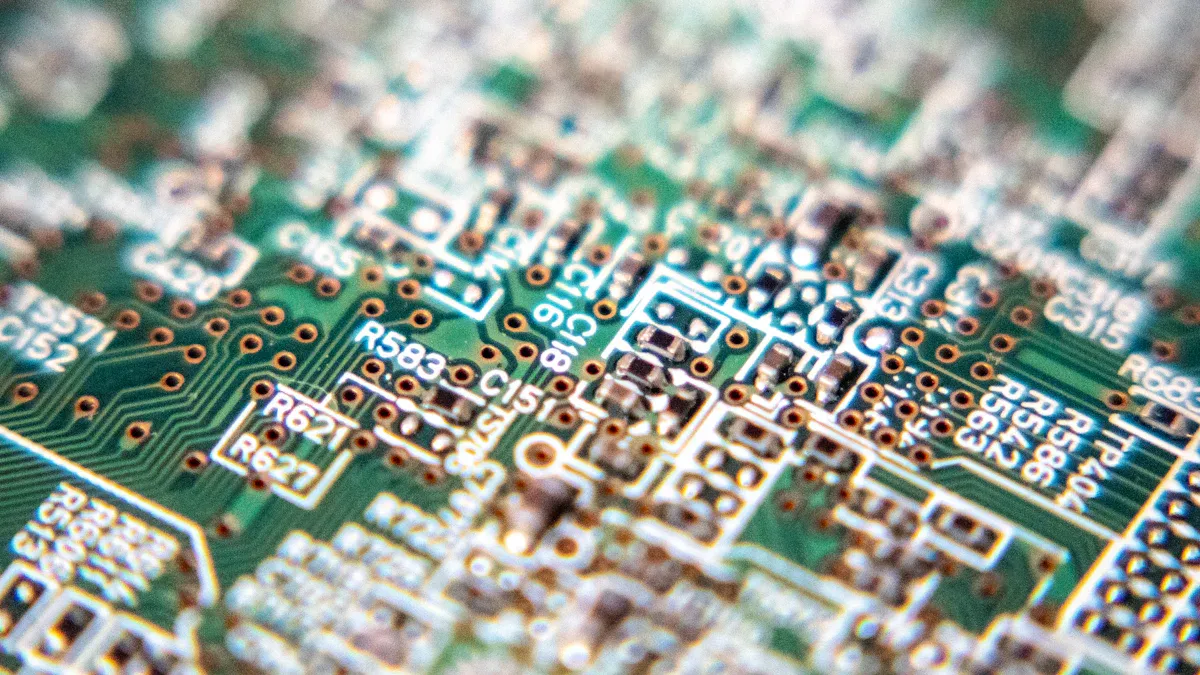
Causes of Misplacement
Wrong placement of parts during PCB assembly happens for many reasons. Uneven heating during reflow can cause tombstoning, where parts lift off the board. This occurs due to uneven heat sinks or too much movement during soldering. Non-wetting happens when the PCB surface is bad or not enough heat is used during reflow. Too much solder paste or gas from flux can cause solder beading, while blocked stencil holes or wrong squeegee pressure lead to insufficient fills. Also, cold solder joints happen when cleaning is poor or heat is too low during soldering.
Impacts on Functionality
Wrong part placement can harm how the PCB works. Movement under shock creates stress, which weakens parts. High stress near soldered parts can cause solder to fail, making the PCB less reliable. Testing shows problems with how parts work together, which can hurt the product's performance. Testing real-world conditions helps find these issues before the PCB is sold.
|
Problem Description |
Effect on PCB Performance |
|---|---|
|
Movement under shock |
Stress weakens parts |
|
High stress near soldered parts |
Solder may fail |
|
Testing and real-world checks |
Finds part connection problems |
Solutions for Accurate Placement
You can place parts correctly by using smart methods. Better feeder setups in large production lines improve placement. Special algorithms and methods help make production faster and more accurate. Tests show these methods work well, reducing mistakes and improving results. Also, good cleaning and quality solder paste lower common PCB problems. These steps cut errors and make PCB designs more reliable.
Poor Soldering Techniques and Their Consequences
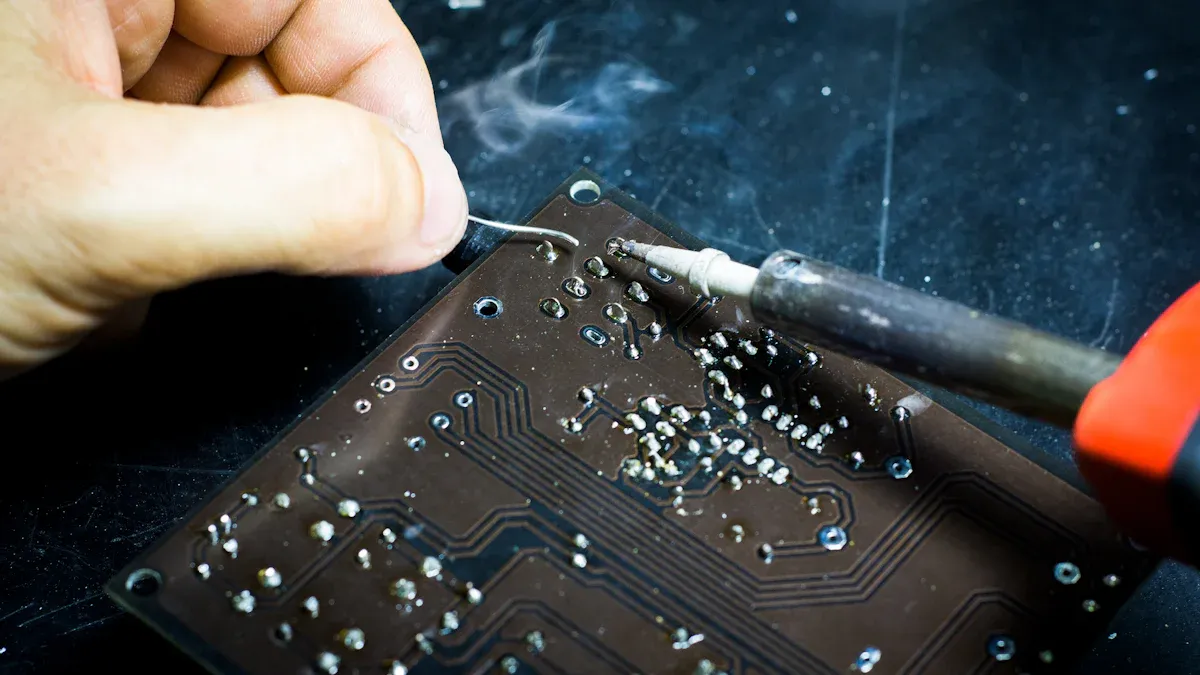
Common Soldering Errors
Soldering mistakes happen often during PCB assembly. These errors can result from bad methods or old tools. Some common soldering problems include:
|
Soldering Error |
What Happens |
|---|---|
|
Solder Bridges |
Unwanted links between parts that may cause short circuits. |
|
Too Much Solder |
Extra solder creates big blobs, hiding how joints work. |
|
Cold Solder Joints |
Dull-looking joints from low heat, making them less reliable. |
|
Burnt Solder Joints |
Overheated joints that look burnt and might harm the PCB. |
|
Tombstoning |
Parts lifting on one side because of uneven soldering heat. |
|
Insufficient Wetting |
Poor solder spread that can hurt how electricity flows. |
|
Skips |
Missing solder joints that leave circuits incomplete. |
|
Lifted Pads |
Pads pulling off the board due to too much heat or force, risking short circuits. |
These problems often come from poor training, rushing, or using outdated tools.
Impacts on PCB Reliability
Soldering mistakes can make PCBs less dependable. Issues like solder bridges or lifted pads may cause short circuits, stopping the PCB from working. Cold solder joints and poor wetting lower conductivity, causing random failures. Burnt joints might damage the PCB, raising repair costs. These flaws hurt the manufacturing process and lead to products that don’t meet quality standards.
Solutions for Quality Soldering
You can avoid soldering mistakes by following good practices. Rules like IPC-A-610 and J-STD-001 explain how to make strong solder joints. Here are some helpful tips:
-
Plan designs carefully, including materials and part placement.
-
Write clear steps for each job to keep things consistent.
-
Have inspectors check the assembly process for mistakes.
-
Train workers often on new soldering skills and trends.
-
Use the "5 Whys" method to find the main cause of errors.
-
Try failure mode analysis to predict and stop problems early.
By using these methods, you can fix common PCB issues and make your assembly more reliable.
Insufficient Cleaning of PCBs
Why Cleaning Matters
Cleaning is important for keeping PCBs reliable. Leftover residues, even from 'no-clean' fluxes, can cause electrochemical migration and dendritic growth. These problems often lead to PCB failures. Studies show that failures from electrochemical migration have grown a lot in recent years. This proves cleaning is more important now than it was decades ago.
Tip: Clean your PCBs often. It stops defects and makes them last longer, saving money and time.
Issues from Dirt and Residues
Dirt and residues can harm PCBs. Corrosion can lower how well devices work. Dirty boards can cause soldering mistakes like cold joints or lifted pads. Checking for corrosion early helps stop bigger problems. Without cleaning, dirt can ruin the assembly process and create expensive errors.
-
Problems caused by dirt:
-
Random failures from poor conductivity.
-
Short circuits from residue buildup.
-
Weak coatings that don’t last long.
-
How to Clean PCBs Well
Good cleaning methods help PCBs work better. Many companies have improved their results with advanced cleaning tools.
|
Example Company |
Improvements Made |
|---|---|
|
Electronics Maker |
30% faster assembly, 50% fewer cleaning defects, 20% better product reliability |
|
Car Electronics Supplier |
40% less flux used, 25% faster cleaning, 15% higher first-pass success rate |
|
Aerospace Manufacturer |
60% less ionic dirt, 35% stronger coatings, 50% fewer long-term failures |
You can get similar results by using ultrasonic cleaners, water-based solutions, or vapor degreasers. These methods remove dirt well and help your PCBs meet high standards.
Using Low-Quality Components in PCB Assembly
Risks of Substandard Components
Using cheap components in PCB assembly can cause big problems. These parts often don’t meet industry rules, leading to product failures. For example, fake parts like hollow chips or missing wires can stop devices from working. Regular checks, like X-rays, often miss these hidden issues.
The danger is higher in fields like aerospace and medical devices. Failures here can cost money and harm reputations. Bad components also increase the chance of short circuits and random breakdowns, slowing down PCB production.
Tip: Work with a trusted component service to avoid buying bad parts.
|
Evidence Description |
Findings |
|---|---|
|
Missing bonding wires showing no silicon inside |
High risk of fake parts, causing serious PCB problems. |
|
Chips found to be empty shells |
Extreme cases of fakes, leading to major functionality risks. |
Identifying Quality Components
Finding good components is key to avoiding PCB mistakes. Reliable tests can check if parts are good. For example, functional tests confirm the PCB works as planned. Flying probe tests are fast and accurate for small batches.
Automatic Optical Inspection (AOI) is great for checking part direction but struggles with short circuits. Using several tests, like manual checks and defect analyzers, gives a full picture of part quality.
|
Testing Method |
Description |
|---|---|
|
Flying Probe Test |
Fast and reliable, ideal for small production without extra tools. |
|
Checks if PCBs meet design goals using special equipment. |
|
|
Automatic Optical Inspection (AOI) |
Good for checking part direction but less effective for finding short circuits. |
Solutions for Reliable Sourcing
Getting parts from trusted sources helps avoid PCB problems. Carefully checking suppliers ensures they have the right skills and certifications. Quality checks and improvement plans keep standards high.
Managing the supply chain is also important. By focusing on sourcing and inventory, you can avoid fake parts and outdated stock. Tests like in-circuit testing (ICT) and functional testing confirm parts work as expected.
Note: Advanced tests like decapsulation and X-rays are crucial for checking parts in risky categories.
-
Reliable sourcing techniques:
-
Check suppliers carefully.
-
Use quality control steps.
-
Manage the supply chain well.
-
-
In-Circuit Testing (ICT): Checks each part’s electrical performance before final assembly.
-
Functional Testing: Makes sure the finished PCB works as it should under test conditions.
Ignoring Heat Management in PCB Design
Why Heat Control Matters
Managing heat is key to keeping PCBs working well. Too much heat can harm parts like processors and memory chips, making them wear out faster. High temperatures also make electricity flow less efficiently, causing weaker signals and wasted power. For portable gadgets, good heat control helps batteries last longer and stops overheating.
You can manage heat by using copper traces on the PCB, adding heat sinks, or using fans for cooling. These methods keep parts at safe temperatures, improving how long they last and how well they work.
|
Cooling Method |
How It Works |
Benefits |
|---|---|---|
|
Copper Traces on PCB |
Uses copper to spread heat |
Cheap and good for small heat |
|
Heat Sinks |
Metal pieces that pull heat away |
Lowers device temperature |
|
Fans |
Push air over heat sinks |
Stops overheating |
Problems from Too Much Heat
Skipping heat management can cause big problems in PCBs. Heat stress can crack solder joints and damage traces. Long exposure to high heat makes materials break down faster. For every 10°C rise in heat, parts last half as long.
Overheating can also mess up power and ground planes, leading to random failures or short circuits. It might even make PCB layers peel apart, ruining the board’s structure. These issues show why it’s important to plan for heat control early.
Fixes for Heat Problems
You can stop overheating by using smart heat control methods. Placing parts carefully can improve cooling by 18%. Adding thermal vias under hot parts helps spread heat. Using copper pours can also balance heat better. For tough jobs, advanced methods like heat pipes or liquid cooling work best.
|
Cooling Solution |
How Well It Works |
|---|---|
|
Heat Pipes |
|
|
Liquid Cooling |
Removes up to 90% of heat |
|
Special Graphite Sheets |
Conducts heat 4x better than copper |
|
Vapor Chambers (Used in Aerospace) |
Cuts weight by 25% |
|
Liquid-Cooled Boards (Used in Cars) |
Handles 125°C temperatures |
Combining these ideas with natural airflow and fan placement keeps PCBs cool and reliable.
Skipping Design for Manufacturability (DFM)
What Does DFM Mean?
Design for Manufacturability (DFM) helps make PCB designs easier to build. It finds and fixes manufacturing problems early in the design process. DFM focuses on choosing the right parts, following design rules, planning assembly, and managing heat. Using DFM can stop mistakes, lower costs, and improve product quality.
DFM checks designs before production to catch errors and ensure boards meet exact needs. Ignoring DFM often leads to problems that cause products to fail.
Issues from Bad Design
Skipping DFM can create big design and manufacturing problems. Engineers sometimes mislabel layers, causing mistakes like putting surface parts inside the board. Solder mask errors happen when CAD tools leave wrong gaps, leading to solder bridges. Tight tolerances, like holes placed too precisely, can lower production success rates.
-
Problems caused by skipping DFM:
-
More product failures.
-
Higher repair costs for bad products.
-
Damage to brand reputation from faulty items.
-
These problems show why reviewing designs and considering manufacturability is so important.
How to Use DFM
You can avoid these issues by using DFM early in your design work. Check designs often to fix errors like mislabeled layers or wrong tolerances. Work with manufacturers to find and solve potential problems. For example, a cable company saved money by flipping a PCB during testing. This change needed CAD updates but removed extra tools, cutting costs and improving speed.
Tip: Use DFM checks to review designs and fix manufacturing issues before production starts.
By focusing on DFM, you can reduce mistakes, speed up assembly, and make sure your PCBs are reliable.
Inadequate Testing and Inspection in PCB Assembly
Why Testing Matters
Testing is key to making sure PCBs work well. Checking during production helps find problems early. This ensures the boards meet industry rules. Without testing, issues might go unnoticed, causing failures and higher costs. Careful inspection saves money by catching problems early. It reduces rework, improves success rates, and prevents failures, saving 20-30% in costs.
Tip: Test your PCB design and assembly often to meet quality standards and ensure proper performance.
Common Testing Mistakes
Skipping important tests is a big mistake in PCB assembly. Missing tests or poor handling can harm the assembly. For example, not protecting against static electricity can damage parts. Poor communication between teams can cause errors like wrong soldering or missing parts. These mistakes make defects more likely and lower product reliability.
How to Test Effectively
Good testing needs a clear plan. Full test coverage ensures all PCBs meet high standards. Follow strict rules, like keeping parts clean and safe from static. Clear team communication and detailed files, like Gerber files and BOMs, prevent errors.
|
Solution |
What It Does |
|---|---|
|
Test Coverage |
Makes sure all products meet quality standards. |
|
Handling Rules |
Keeps parts safe from dirt and static. |
|
Communication |
Uses clear files to avoid mistakes. |
|
Process Checks |
Tracks assembly steps and fixes problems. |
|
Solder Fixes |
Adjusts heat and checks solder joints for issues. |
|
Testing Plans |
Combines manual checks with automated tests like in-circuit testing. |
|
Automated Testing |
Uses advanced tools to find faults without touching the board. |
Using these methods improves PCB reliability and lowers defect risks. Regular reviews and data analysis help keep the process aligned with quality goals.
Avoiding common mistakes in PCB assembly is very important. Problems like bad soldering, dirt, and design errors can cause defects. These issues raise costs and lower product quality. To stop this, use careful DFM checks, keep workspaces clean, and choose good materials. These steps help make PCB manufacturing easier and improve results.
Tip: Be gentle with materials and keep areas clean to avoid problems and make products more reliable.
FAQ
What is the most common mistake in PCB assembly?
Placing parts wrong often causes problems. Use machines to place parts and check designs before making the PCB.
How can you ensure PCB reliability during assembly?
Use good soldering, clean boards well, and test carefully. These steps lower mistakes and make your PCB work better.
Why is thermal management important in PCB design?
Too much heat can break parts and make them fail faster. Use heat sinks, copper lines, or fans to keep the PCB cool.